
Cost to build an app in Australia: what a quote really pays for
The cost to build an app in Australia, broken down: agency ranges, Apple and Google fees, hosting, upkeep and what building it yourself really costs.
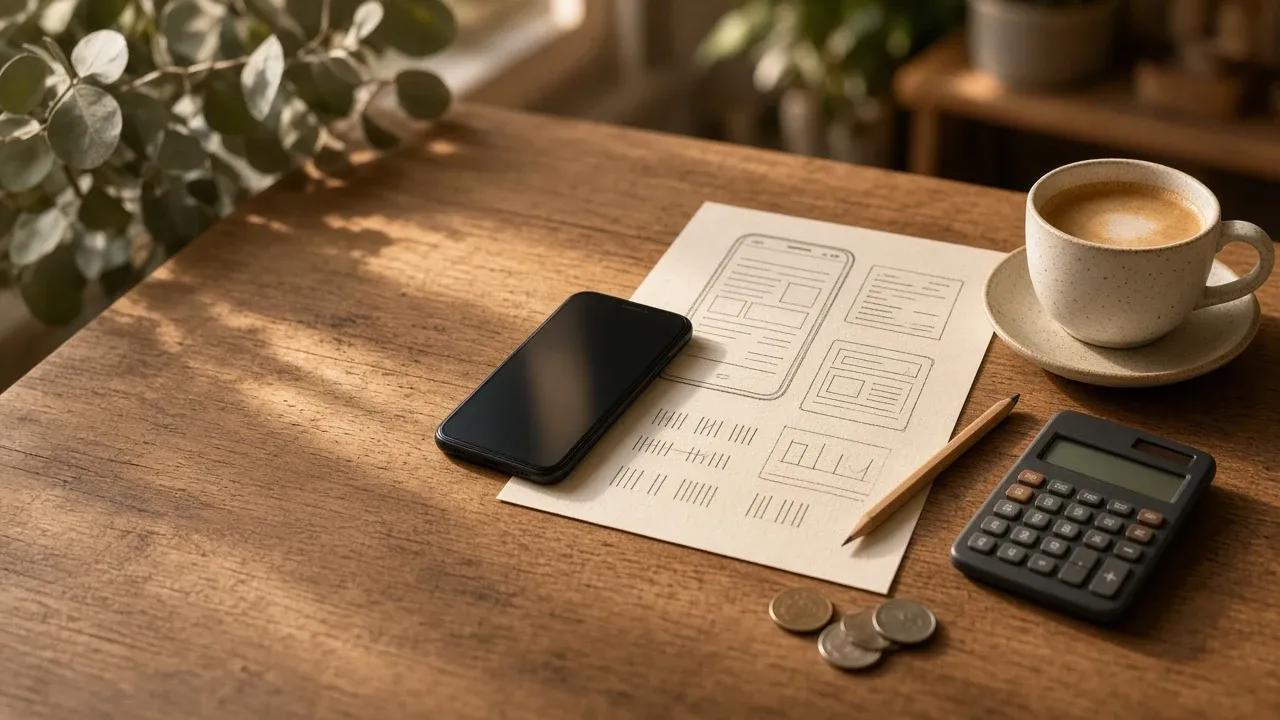
Price the whole stack, not just the build. Test one journey cheaply first, then spend on the parts real users prove you need.
A salon owner in Parramatta asks for a quote on a simple booking app. Clients pick a stylist, choose a time and get a reminder. The quote comes back at $28,000, plus an annual support fee. Was that fair? The honest answer is that it depends on what the quote is paying for, and most founders never see that broken down.
The cost to build an app in Australia in 2026 usually starts with a few thousand dollars for a clickable prototype and $15,000 to $40,000 for an agency-built MVP. A product with payments, accounts and integrations often lands between $40,000 and $120,000. Those are the indicative ranges in PixelApps' 2026 Australian cost guide, which also suggests budgeting 15–25% of the build cost each year for hosting, maintenance and changes. If you build it yourself with an AI app builder, your cash costs drop to a monthly plan plus store, hosting and build fees, but your own time becomes the biggest line item.
This guide breaks the number into parts so you can compare a quote, a freelancer and a do-it-yourself build on the same terms.
How much does it cost to build an app in Australia?
A focused first version of a mobile app usually costs between $15,000 and $40,000 when an Australian studio builds it. A fuller first product costs $40,000 to $120,000 or more. A prototype you can click through, but that does not store real data, sits much lower.
PixelApps groups its published ranges like this. Treat them as indicative ranges from one studio, not as quotes.
| What you get | Indicative Australian range (2026) | | --- | --- | | Clickable prototype, not a working app | $2,000 – $8,000 | | MVP: real accounts, real data, one core workflow | $15,000 – $40,000 | | v1 product: payments, roles, notifications, integrations | $40,000 – $120,000 | | Platform: several user types, complex rules, compliance | $120,000+ | | Ongoing care each year | 15–25% of the build cost |
The same guide notes that these figures cover web and cross-platform mobile work, and that building native iOS and native Android separately costs meaningfully more. When you compare quotes, check which approach each one assumes.
Why do app quotes for the same idea vary so much?
Quotes vary because each builder hears a different scope in the same sentence. "A booking app" can mean one screen that sends an email, or a system with staff rosters, deposits, cancellations and a reminder queue.
Ask yourself three questions about the salon example before you compare numbers:
- How many kinds of user are there? Clients only, or clients plus stylists plus a manager who edits the roster? Each role adds screens, permissions and testing.
- What happens when something goes wrong? A double booking, a declined card, a stylist calling in sick. Handling those paths properly is a large share of the work.
- What does it connect to? A payment provider, an existing calendar, a push notification service. Each connection needs setting up, testing and maintaining.
A lower quote is not always a cheaper app. It may simply assume fewer of those answers. Ask each builder to list what is out of scope, and to say whether the price includes GST, store setup and the first round of changes after launch.
Break the cost into the parts you will actually pay for
Whatever route you choose, the same handful of costs turn up. Writing them down separately stops the build price hiding everything else.
Design and build. The screens, the logic and the data behind them. This is what most quotes focus on.
Store memberships. To put an app on iPhones you need the Apple Developer Program. Apple's enrolment help gives the fee as 99 USD per membership year, shown in local currency during enrolment. On the Australian App Store, Apple's own Apple Developer app lists the membership at $144.99 a year, so check the figure Apple shows you when you enrol. It renews every year. For Android, Google Play's developer account help lists a one-time US$25 registration fee.
Hosting and data. If your app stores bookings, accounts or images, something has to hold them. Database and hosting providers charge on their own terms, often starting free and rising with use.
Native builds and submission. Turning a project into a signed app that the stores accept takes build tooling and time. Some build services charge separately for this.
Maintenance. Phone operating systems update every year, libraries change and real users find problems. The 15–25% a year figure above is a reasonable starting assumption for an agency build.
Your own time. Writing a brief, answering questions, testing and preparing store listings. Even with an agency, plan for several hours a week.
What does it cost to build an app yourself with an AI app builder?
Building it yourself swaps most of the agency fee for a monthly subscription and your own hours. You still pay the store memberships, hosting and any build services, and you take on the testing and release work.
Here is how that looks with Appsanic, using the prices on the pricing page. Plans are billed in US dollars, monthly, before applicable taxes:
- Free (US$0 a month): the visual editor, code workspace, themes, connectors and browser preview, with one project. It does not include Sanic AI or phone previews.
- Pro (US$25 a month): adds Sanic AI with 200 AI credits a month, five projects, all templates and 60 minutes of phone preview a month.
- Premium (US$60 a month) and Ultra (US$180 a month) raise the credit, storage and preview limits.
Credits pay for Sanic AI requests at the rate of the model you choose, and you can top them up on paid plans. The pricing page is clear that app store memberships, native build services, hosting, databases and any AI your app uses at runtime sit outside these plans.
So a realistic do-it-yourself stack for the salon app looks like this: a paid plan for the months you are building, the Apple membership each year, the one-off Google Play fee, whatever your database and notification providers charge at your usage, and any native build service you use. Add those up for your own project rather than relying on someone else's total.
Signing your app and submitting it to the App Store and Google Play happen in your own Apple and Google accounts, outside Appsanic. Release checks in App settings show what each store still needs, such as icons, names and listing details, before you go there.
Where an AI-built first version saves money, and where it doesn't
The biggest saving comes before you commit a large budget. You can build one complete journey, put it on a phone and watch someone use it. If the salon's clients never get past choosing a stylist, you have learned that for the price of a few weeks of a subscription, not an MVP invoice.
Start small on purpose. Pick the first user journey your app has to get right, build only that, and test it on a real phone. For the salon, that is: open the app, choose a stylist, choose a time, see a confirmation. No deposits, no loyalty points, no staff roster.
An AI builder does not remove the hard parts of a production app. Payment failures, refunds, user permissions and privacy rules still need careful design and testing, whoever builds them. Some services also behave differently outside the browser. In Appsanic, for example, RevenueCat in-app purchases and OneSignal push notifications only run in native builds, not in the browser preview.
Because Appsanic projects are real TypeScript and React Native code, a developer can pick up where you stop. A sensible path is to build and test the first version yourself, then bring in a developer or studio for payments, scale or compliance with a working app to point at, rather than a long brief.
Budget for the first year after launch
Launch is a starting point. Whatever route you take, plan these into your first year:
- Renewals. The Apple Developer Program fee comes round every year. If the membership lapses, your apps are no longer available to download, although people who already have them can keep using them.
- Fixes from real use. The first few weeks of real users always produce a list. Keep money and time aside for that round of changes.
- Provider bills that grow with you. Database, storage, notification and analytics costs often rise with your number of users.
- Operating system updates. New iOS and Android versions can need small changes and a fresh build.
For an agency build, the 15–25% of build cost per year is a sensible placeholder. For a do-it-yourself build, total your subscription months, renewals and provider plans, then add the hours you will spend on updates.
Frequently asked questions
How much does it cost to make a simple app in Australia?
A simple MVP built by an Australian studio commonly falls between $15,000 and $40,000, according to published 2026 ranges. A clickable prototype costs less, but it does not store real data. Building it yourself costs far less in cash but takes your own time.
How much does it cost to put an app on the App Store in Australia?
Apple's Developer Program is 99 USD a year, charged in local currency. Apple's Australian App Store listing for its Developer app shows $144.99 a year. Google Play charges a one-time US$25 registration fee for Android.
Is it cheaper to build an app with AI than to hire a developer?
For a first version, usually yes, because you pay a monthly plan instead of a build fee. You still pay store, hosting and build costs, and you take on testing and release work yourself. Complex payments, permissions and compliance often still benefit from an experienced developer.
What ongoing costs should I budget for after launch?
Plan for store renewals, hosting and database bills, fixes from real users and updates for new phone operating systems. Studios commonly suggest 15–25% of the original build cost each year for maintenance.
Published