
Use cases
Make something people reach for.
A good first app does one thing well. Here are six directions, each starting from a real template in your account, with a plain note on what a first version does not cover.
Six directions
Start where the idea is clearest.
Each direction shows a real template screen, what a focused first version includes, and the connector that fits.
 Wellbeing and fitness
A routine people come back to.
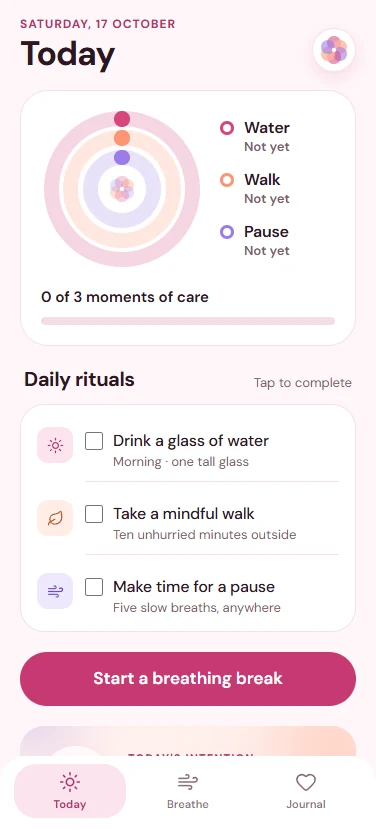
Habits, check-ins, workouts and progress: screens that make the next small step obvious. Start from Bloom's rituals or Forma's training plan.
- A focused first version
- A home screen for today
- One guided session
- A simple history
- Connect
- Supabase, to keep each person's history with their account.
- Plan for
- Health platform integrations, background tracking and sensor data need extra native work beyond a first version.
 Travel and outdoors
A companion for the trip itself.
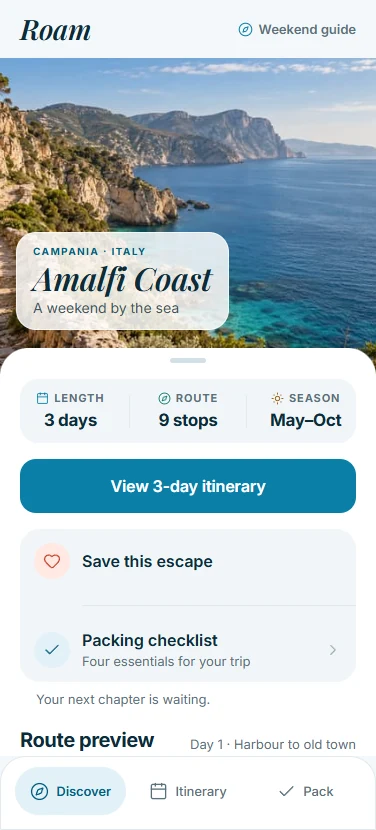
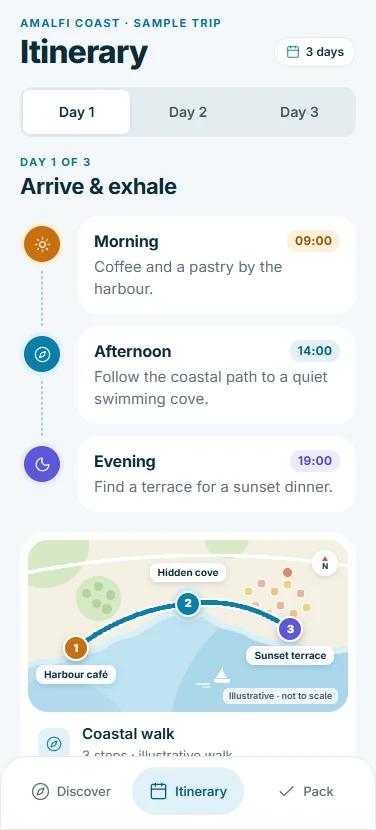
A saved escape, a day-by-day itinerary and a packing list that people actually tick. Roam shows the shape; Trail takes it outdoors.
- A focused first version
- A featured place
- An itinerary by day
- A checklist that remembers
- Connect
- Supabase, to share a plan between travellers.
- Plan for
- Maps, offline routes and bookings each need their own service and testing on a phone.
 A small store
Your products, made for a thumb.
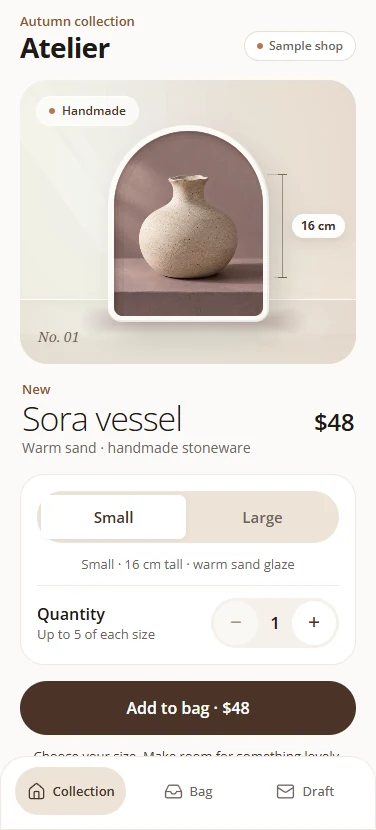
Collections, product details and a bag that holds a draft order. Atelier shows how a boutique can feel considered rather than crowded.
- A focused first version
- A collection screen
- Product options
- A bag with a draft order
- Connect
- Shopify, to read a real catalog without a token.
- Plan for
- The Shopify connector reads products. Checkout and customer accounts need a separate integration, and purchases need a native build.
 Reading and content
A quiet home for what you publish.
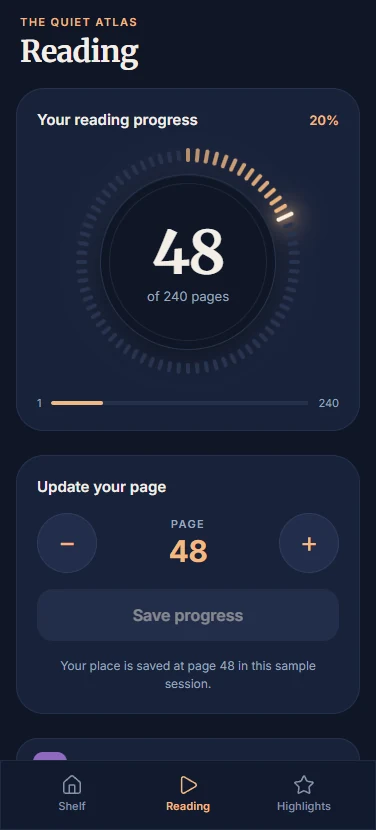
Articles, highlights and a reading view with room to breathe. Folio and Slate show two very different moods for the same idea.
- A focused first version
- A discover screen
- A reading view
- Saved pieces
- Connect
- WordPress, to show the posts you already write.
- Plan for
- Memberships need sign-in and server-side access rules. Comments and moderation need their own service.
 Planning and money
Everyday admin, made lighter.
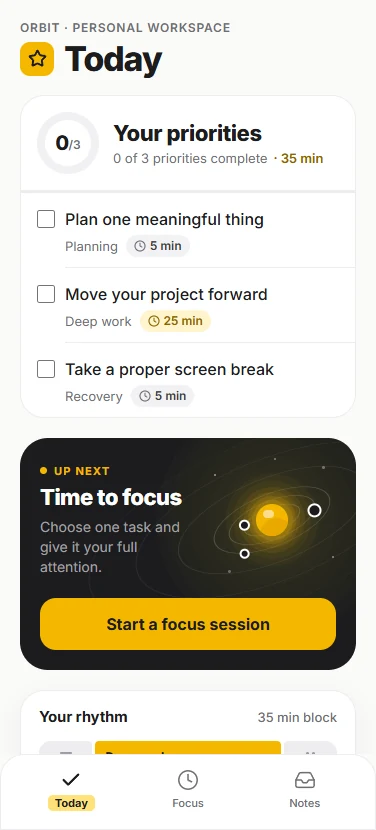
Today's priorities, a week of appointments, a shared ledger that settles itself. Orbit, Tempo, Penny and Split each take one of these and keep it small.
- A focused first version
- A today screen
- One form with validation
- A summary that updates
- Connect
- Supabase, when the data must outlive the phone.
- Plan for
- Business rules and permissions belong in your backend. Hiding a button in the app is not access control.
 Games
GamesA small game with a real feel.
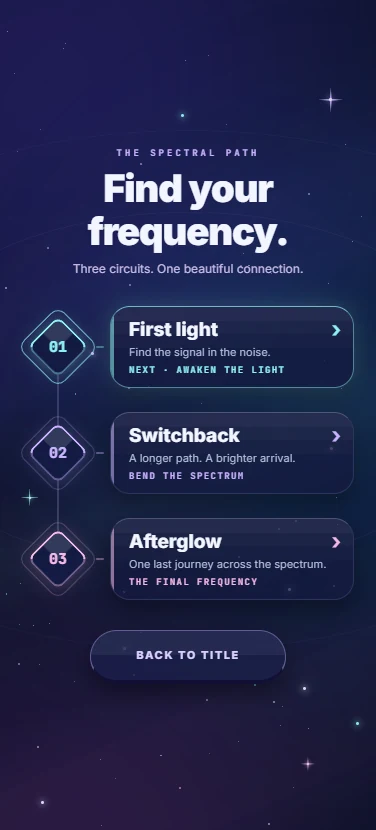
Puzzles, an arcade run or a 3D arena, each with a title screen, a play screen and a guide. Six game templates come with sound and motion you can tune.
- A focused first version
- A title screen
- One playable level
- A guide with the rules
- Plan for
- Game rules live in custom components written in code. Performance on real phones is something to test, not assume.
Beyond the templates
Your idea can have its own shape.
Custom components bring your own React Native code onto the canvas, where they are edited like any built-in component. Specialist features, games and 3D scenes live there.
Some things a phone can do need a native build rather than Expo Go or the browser preview: push notifications, purchases, error reporting and libraries with their own native code. The code workspace reports what will not run natively before you find out on a device.
Read about project codePick a direction. Open a template.
Five starter templates are free. The whole collection comes with a paid plan.